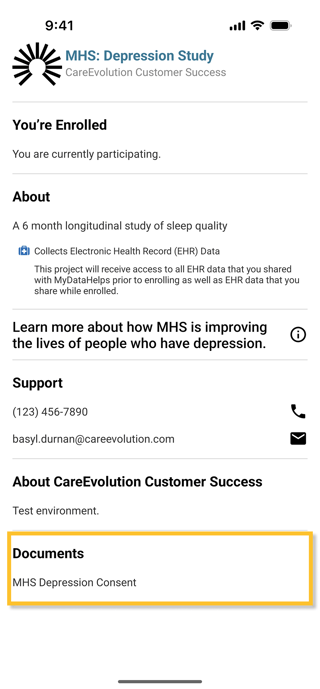
If you have enrolled in a research study in MyDataHelps, you have likely signed a consent document to participate. You can review these documents any time in MyDataHelps for projects you have joined. Click the hamburger button in the top right, then select Account: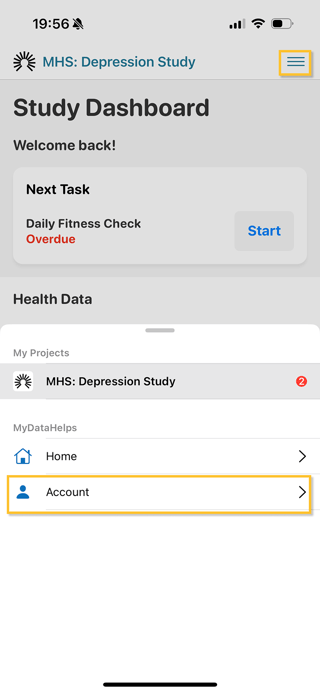
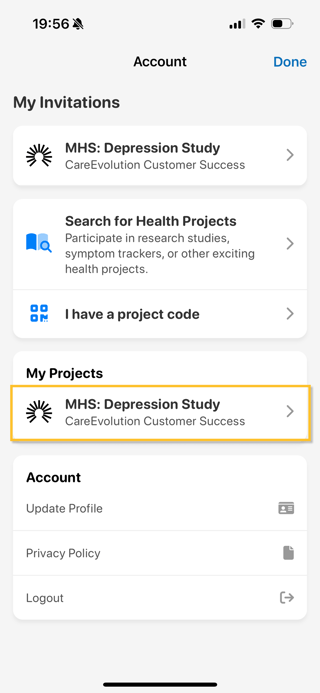
Select the project you want to view the consent for:
At the bottom of the project details is a "Documents" section, where you can view your signed consent form.