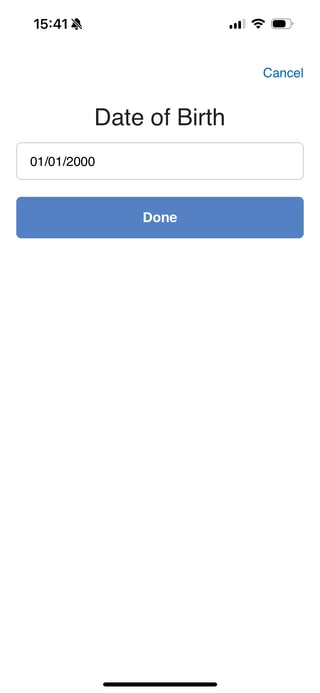
Certain demographic data is made available to the projects you join. You can update this data as needed.
Note: It can often be helpful to add your phone number if you created an account with your email or add an email if you created an account with your phone number. This can allow projects you join to send you email and SMS notifications.
To update your Profile:
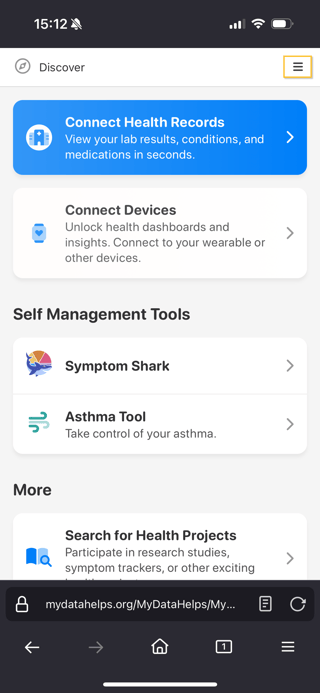
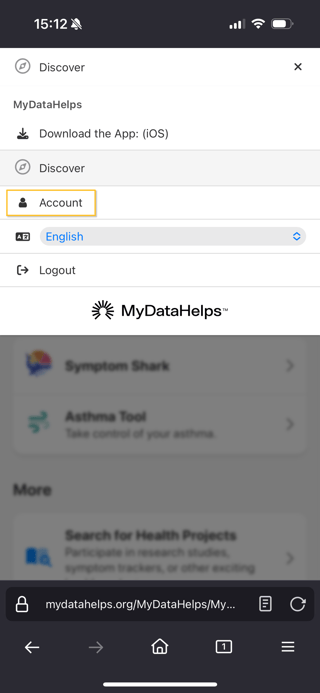
- Navigate to your Account. You can do this by clicking on the menu in the top, right corner, then selecting Account. If you are not yet in a project, you can toggle over to the Account tab at the bottom of your screen.
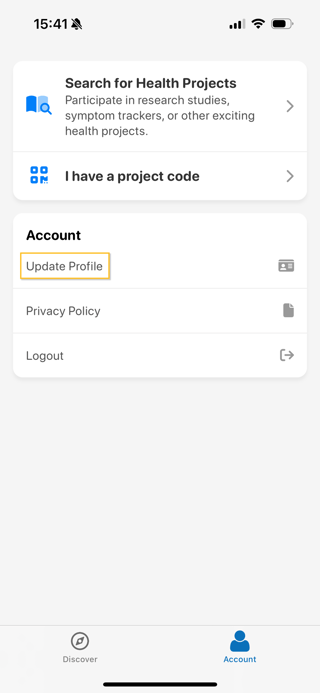
- Then select "Update Profile".
- Select the data you want to update.
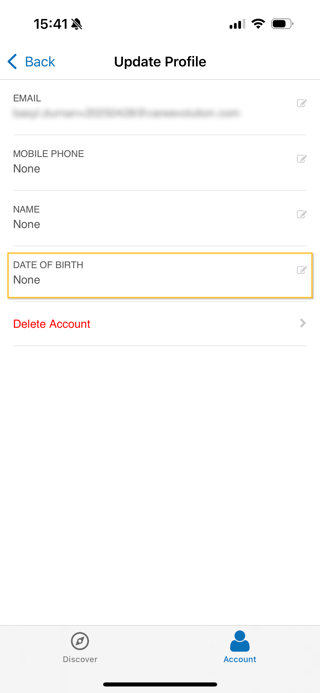
- After editing the data, click "Done" to save!