
You can use MyDataHelps to connect to and access your health records. Some projects you join may also request that you connect and share your health records with them. Those projects may have their own prompts for connecting to your health records, but you can also follow the below steps to independently connect to and access your health records.
- Navigate to the Discover tab. Start by clicking on the menu button in the top, left corner, or toggling to the Discover tab if you aren't in a project.
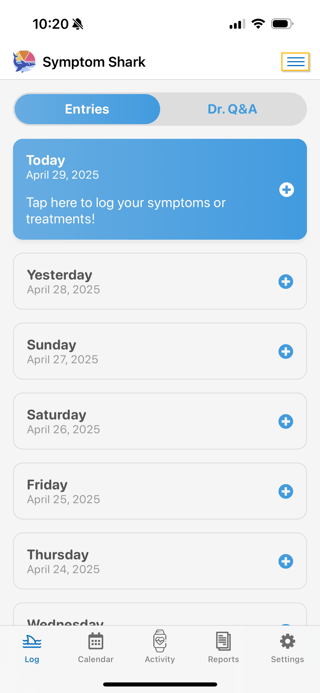
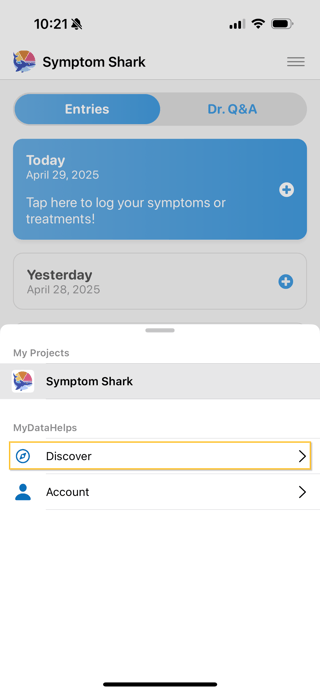
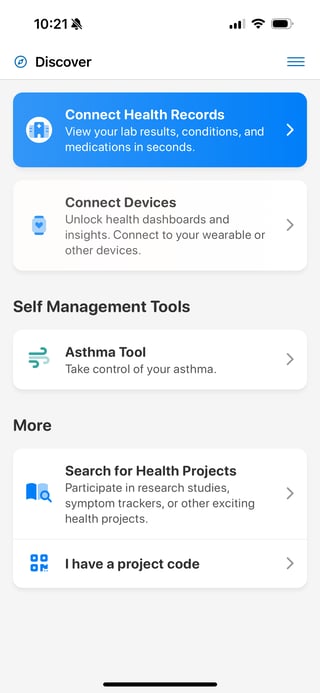
- Select "Connect Health Records". If you've already connected to a provider or health plan, you can click "Add +" next to Health Records.
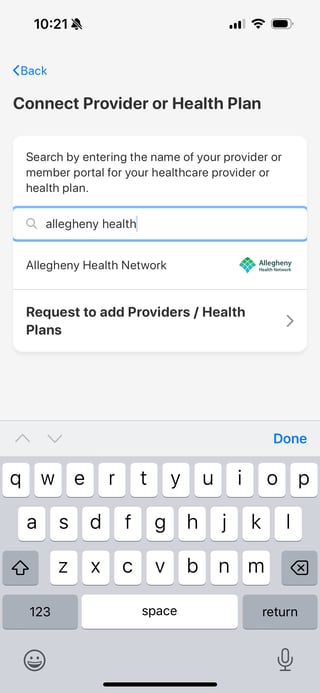
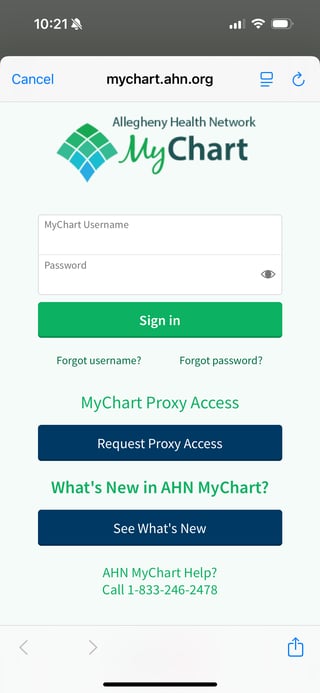
- Search for your providers and/or health plans, select them, and then enter your login details for each provider and health plan.
- Now you've connected to your health records and can easily review them all in one location.
Note: Not seeing your provider or health plan listed? Let us know!